
Direct Answer
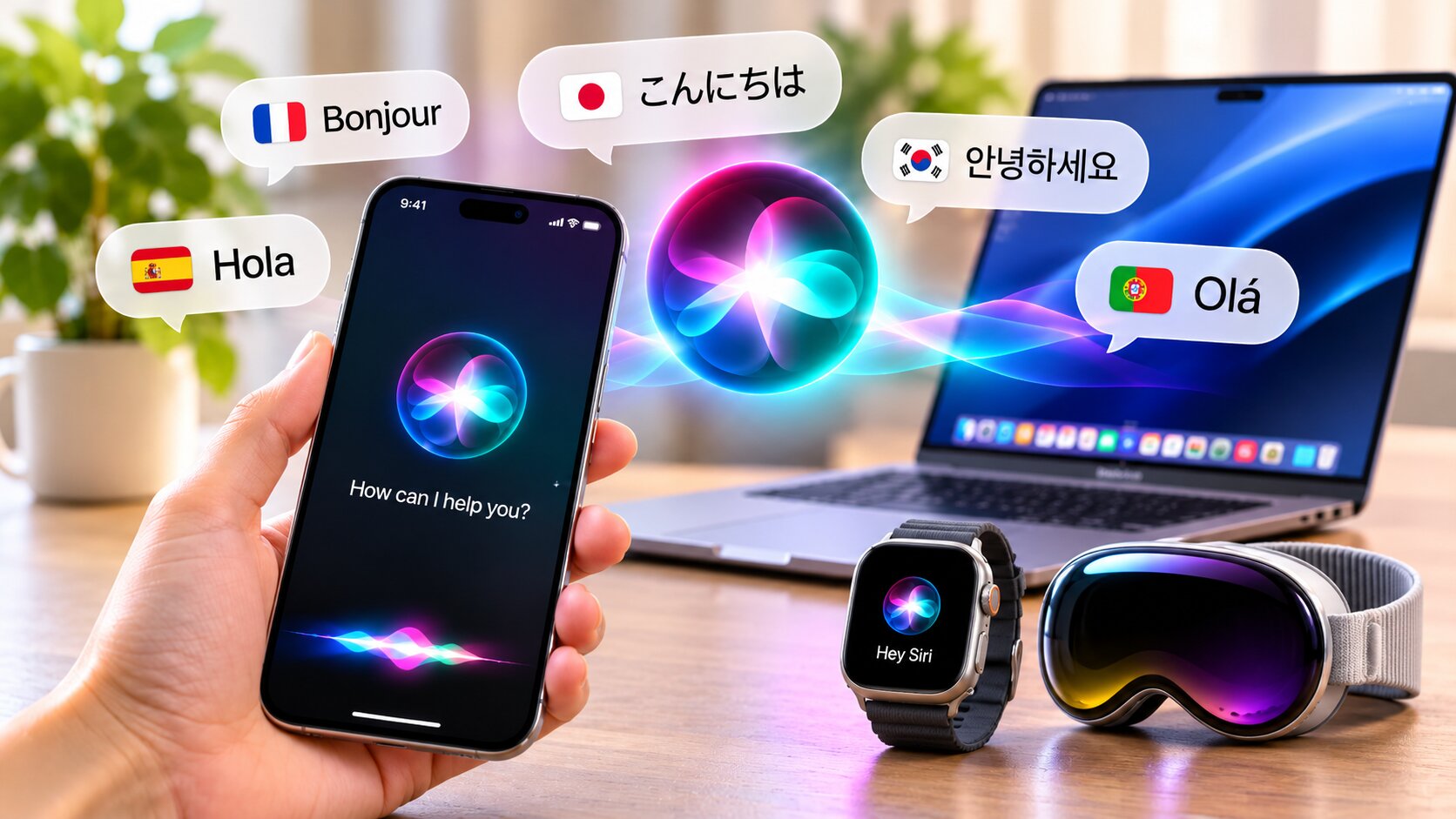
Siri AI languages now include English, French, Japanese, Korean, Portuguese, and Spanish. Apple added the five non-English options with its 27.2 software update on October 26, 2026. Availability remains limited by compatible hardware, software, language settings, region, and beta status.

A Language Rollout Needs More Than Translation
Adding Siri AI languages requires Apple to align speech recognition, generated responses, local conventions, app actions, and safety behavior. A language can be supported by Apple Intelligence broadly without every Siri AI feature being ready in that language. That distinction matters when users compare release notes.
A rollout checklist
- Confirm the exact Siri AI language.
- Check the device and operating-system version.
- Verify regional availability.
- Test one simple request before relying on multi-step actions.
Which Languages Does Siri AI Support?
According to Apple’s official announcement, Siri AI currently supports six languages in its beta release
- English
- French
- Japanese
- Korean
- Portuguese
- Spanish
Apple plans to add Traditional Chinese, Norwegian, Turkish, and Vietnamese by the end of 2026. Filipino is not on the announced list. Apple Intelligence supports a broader set of languages for some features, but that does not mean every Siri AI function is available in each one.
What Can You Do With the Updated Siri AI?
1. Ask Questions in a More Natural Way
The assistant is designed for conversational requests and follow-up questions. Users can refine a request without treating each prompt as an isolated command. Important answers involving travel, money, or safety should still be verified.
2. Find Information Across Your Personal Content
Supported personal-context features can help locate details in messages, email, and photos. What Siri can access depends on the app, the feature, and the user’s privacy settings.
3. Complete Tasks Across Apps
Siri AI can draft an email, edit or share photos, and perform supported actions across apps. Users should review generated text, recipients, attachments, and dates before completion.
4. Ask About What’s on Your Screen
Screen awareness can help explain or act on visible information in supported contexts. Feature availability varies by device, app, region, and software version.
How to Get Siri AI on Your Apple Device
- Update your compatible iPhone, iPad, Mac, Apple Watch, or Apple Vision Pro.
- Set the device language and Siri language to the same supported option.
- Open Siri settings and look for the Siri AI beta option.
- Complete voice setup and review the privacy settings.
Not every Apple device supports the newest features, so hardware compatibility should be checked before troubleshooting.
For the latest requirements and setup instructions, consult Apple Support’s guide to Siri AI.
What About Privacy?
Apple says many requests are processed on-device when possible, while more complex work can use Private Cloud Compute. Users should review app permissions, verify sensitive answers, and avoid sharing information that is unnecessary for the request.
Will Siri AI Support More Languages in the Future?
Apple says more Siri AI languages are coming. Rollout timing can differ by feature and region, so users should rely on current Apple release notes rather than assuming every announced language receives every capability at once.
Frequently Asked Questions
Is Siri AI available in more languages now?
Yes. The beta supports English, French, Japanese, Korean, Portuguese, and Spanish.
Does Siri AI support Filipino?
No. Filipino is not on Apple’s announced support list.
Do I need a new iPhone to use Siri AI?
You need compatible hardware and software. Older models may not support the complete feature set.
Is Siri AI available on Mac and iPad?
It is available on compatible Apple devices with supported software, language settings, and regional access.
Is Siri AI free?
Apple does not charge a separate subscription for the built-in beta, though device and service requirements still apply.
Is Siri AI available in the EU?
Availability varies. The source notes EU restrictions on iOS, iPadOS, and watchOS.
Can kids use Siri AI?
Families should review device permissions, content settings, and generated answers together.
Final Thoughts
The expansion of Siri AI languages makes the assistant available to more users, but language is only one requirement. Hardware, software, region, permissions, and careful review determine whether the experience is useful and trustworthy.
Related reading: Siri AI and Apple Intelligence beginner guide; AI security and account protection.